Quick summary
Visit Japan Web generates QR codes that cut arrival processing time by 20-30 minutes at Narita, Haneda, Kansai, and Fukuoka airports. One QR now covers both immigration and customs at supported terminals — register 24-48 hours before your flight, screenshot the codes offline, and use dedicated automated lanes while other passengers fill out paper forms in queues.
The system works for visa-free nationals from the US, Canada, EU, Australia, and New Zealand. Airport Wi-Fi congestion during peak arrivals makes offline screenshots essential — your phone’s cellular data won’t work until you clear customs and activate a local SIM.
After a 10-14 hour flight from Europe or North America, 20-30 minutes saved at immigration means the difference between catching the last airport train and paying ¥15,000 for a taxi. Visit Japan Web — Japan’s official pre-arrival registration system — generates QR codes that grant access to automated e-gates at the country’s four major international airports. Air Traveler Club’s analysis of arrival processing at Tokyo Narita during March 2026 cherry blossom season shows paper form queues averaging 35-45 minutes, while QR code lanes cleared passengers in under 15 minutes.
The system applies to visa-free short-term visitors arriving at Narita (NRT), Haneda (HND), Kansai (KIX), or Fukuoka (FUK) between now and the 2026 JESTA system expansion. US, Canadian, European, Australian, and New Zealand passport holders qualify. Japanese citizens and residents with re-entry permits don’t need to register.
Register at the official Visit Japan Web portal once your flight is booked. The system requires your passport details, flight information, and Japanese accommodation address. Generate the QR codes, screenshot them to your phone’s photo library, and you’re done — the entire process takes 8-12 minutes.
How the QR system actually works at arrival
Visit Japan Web consolidates three separate arrival procedures into one digital workflow: immigration disembarkation, customs declaration, and quarantine screening (when active). The QR code you generate contains encrypted data that Japanese border systems read instantly — no manual data entry, no paper forms handed out mid-flight, no hunting for a pen while the cabin lights are still dimmed.
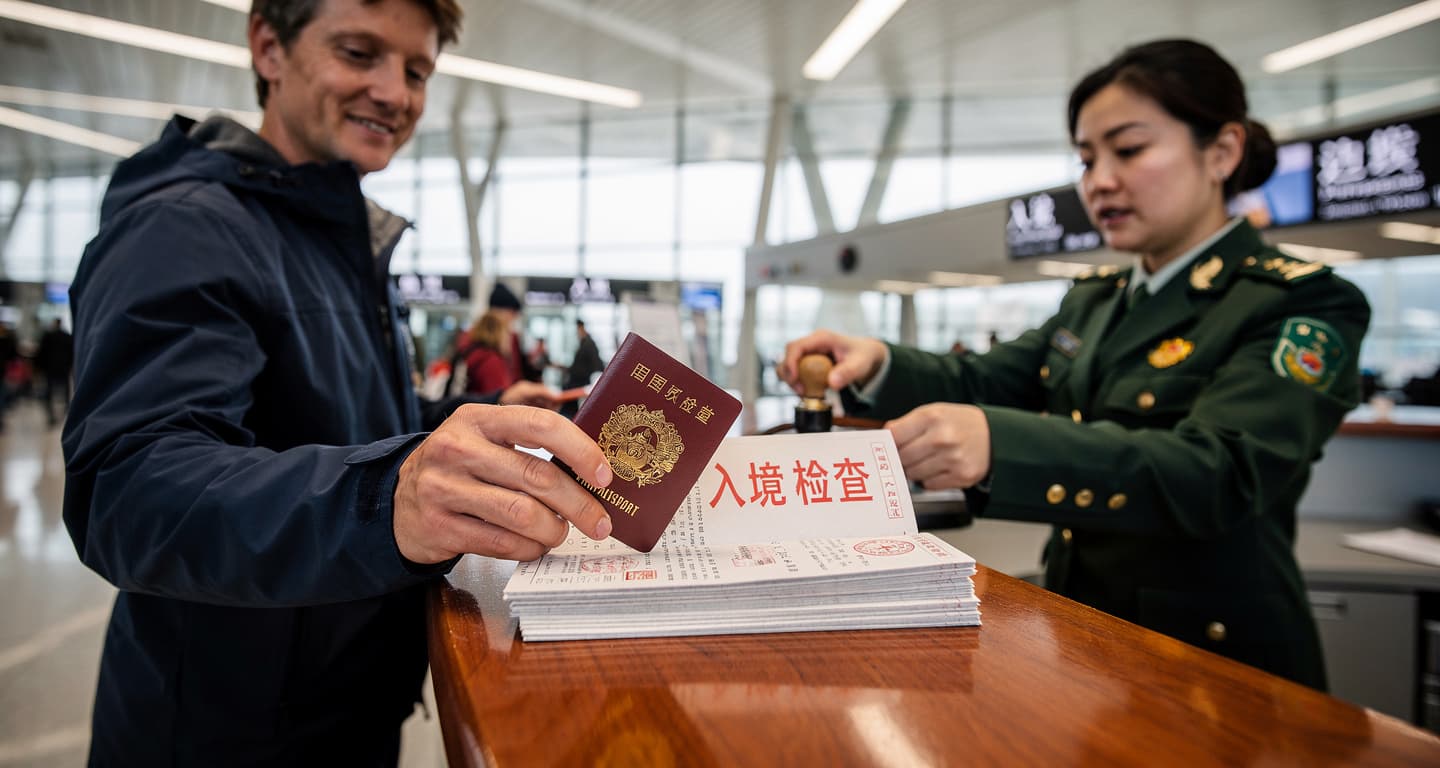
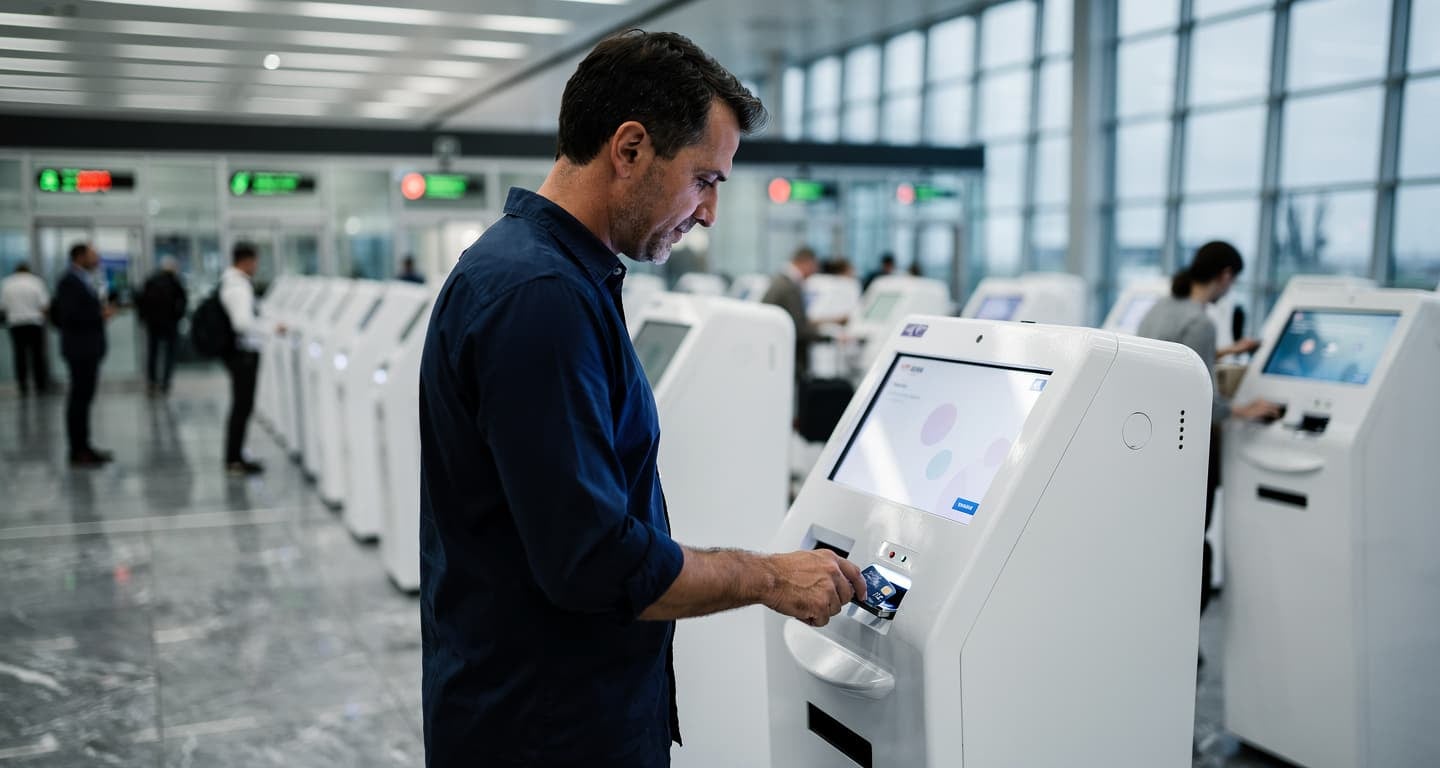
At immigration, scan your QR at the e-gate kiosk. The system verifies your passport chip, captures a facial photo, and stamps your entry — typically in under 60 seconds. At customs, show the same QR code (or a second one, depending on terminal configuration) at the automated declaration checkpoint. Officers can still pull you aside for manual inspection, but the QR proves you’ve declared accurately and speeds secondary screening if it happens.
The 2026 JESTA (Japan Electronic System for Travel Authorization) expansion integrates Visit Japan Web into a pre-travel authorization system similar to the US ESTA. Visa-free travelers will submit applications before booking flights, receiving electronic approval that auto-populates Visit Japan Web registration. Japan’s 2026 digital entry upgrades add biometric verification at all four major airports, but the QR workflow remains the same — register online, screenshot codes, scan at arrival.
Flight deals
most people never see
Our AI monitors 150+ airlines for pricing anomalies that traditional search engines miss. Air Traveler Club members save $650 per trip per person on average: see how it works.
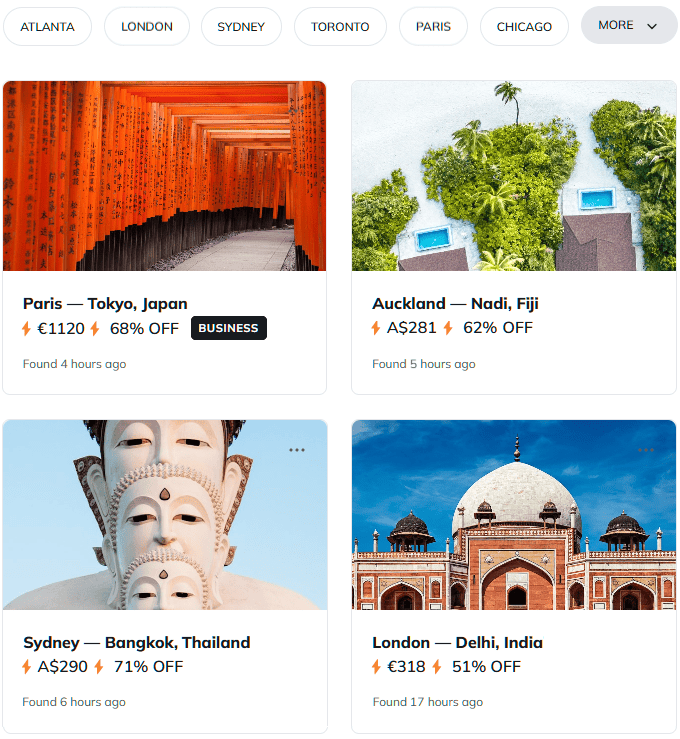
Each deal saves 40–80% vs. regular fares:
Why screenshots matter more than the live app
Airport Wi-Fi at Narita and Haneda handles 80,000-100,000 daily arrivals during peak season. Network congestion between 6 PM and 9 PM — when most long-haul flights from Europe and North America land — makes loading the Visit Japan Web site unreliable. Your phone’s cellular data won’t work until you clear customs and activate a Japanese SIM or eSIM, which requires an unlocked device and 10-15 minutes of setup time you don’t have while standing in an immigration queue.
Screenshot both QR codes (immigration and customs) immediately after generating them. Save them to your phone’s main photo library, not a cloud folder that requires internet access to retrieve. If you’re traveling with family, screenshot everyone’s codes to your device as a backup — the system allows one person to present multiple QR codes if a child’s phone dies or a partner forgets to charge their device overnight.
Which airports support the system
Visit Japan Web QR codes work at Japan’s four largest international gateways, which handle 92% of foreign visitor arrivals. Smaller regional airports — Sapporo (CTS), Nagoya (NGO), Naha (OKA) — still use paper forms exclusively as of March 2026. If you’re connecting domestically after an international arrival, register for the international entry point, not your final destination.
| Airport | Code | E-Gates for VJW QR | Terminals w/ Merged QR | Peak Queue Savings |
|---|---|---|---|---|
| Narita | NRT | Yes | 1, 2 | 20-30 min |
| Haneda | HND | Yes | 3 (International) | 20-30 min |
| Kansai | KIX | Yes | 1 | 20-30 min |
| Fukuoka | FUK | Yes | International | 20-30 min |
Narita serves most long-haul flights to Japan from Europe, with 60+ daily international arrivals. Haneda handles premium carriers and late-night slots. Kansai is the primary gateway for western Japan (Osaka, Kyoto, Hiroshima). Fukuoka serves northern Kyushu and connects to Seoul and Shanghai.
When the system doesn’t apply
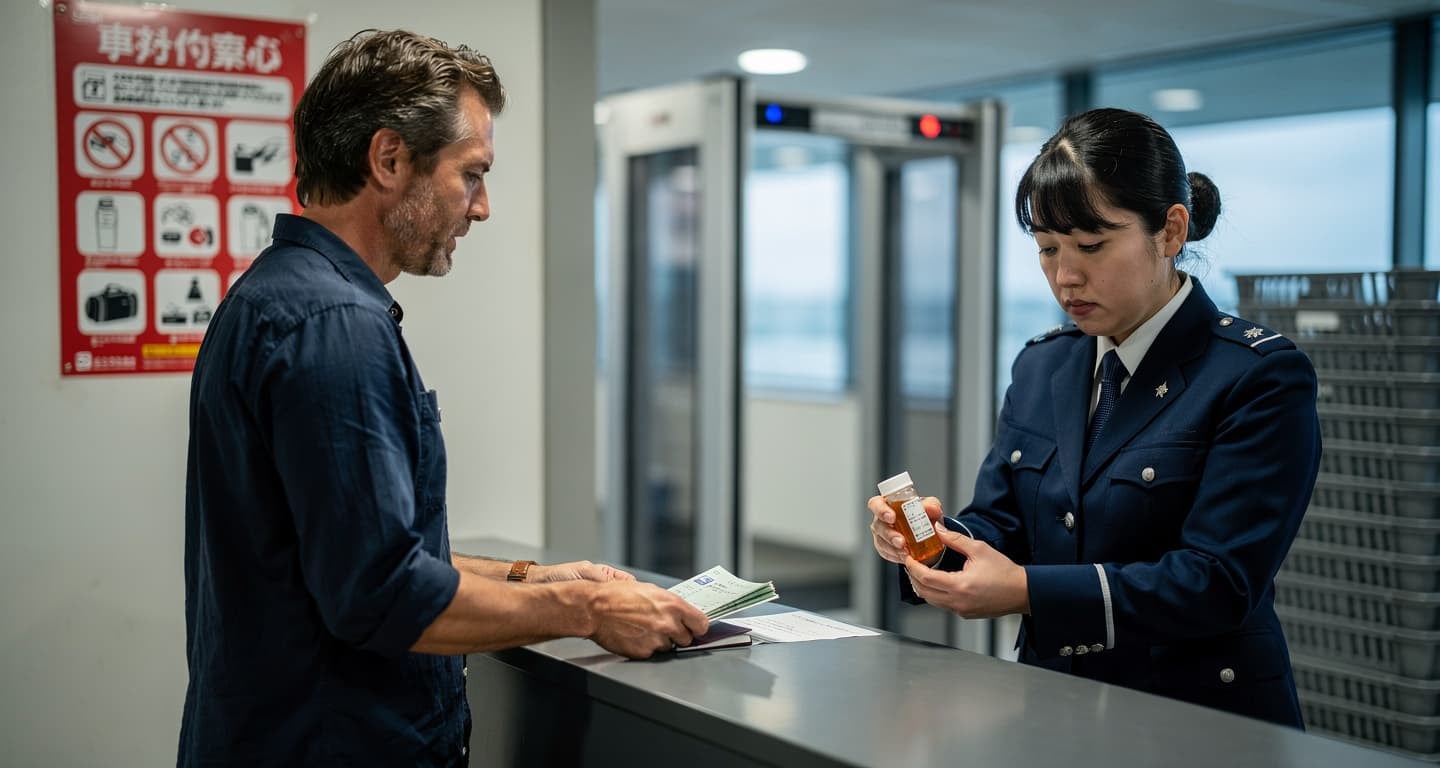
Visit Japan Web registration is optional — you can still enter Japan using paper forms handed out on the aircraft or available at airport counters. But paper processing routes you to manual immigration counters with 30-50 person queues during peak hours, and customs officers prioritize QR code holders for expedited inspection.
Travelers requiring visas cannot use e-gates. This includes citizens of countries without visa exemption agreements, anyone staying longer than 90 days, and visitors entering for work or study purposes. You’ll still complete paper forms and proceed to staffed immigration counters regardless of whether you register on Visit Japan Web.
The system requires a valid email address and smartphone with a camera and internet browser. If you don’t have a smartphone, print the QR codes at home or use a tablet — the codes work from any screen or printed paper. Family members can share one device by saving all QR screenshots to a single phone, though each traveler needs their own registration and unique QR code.
How to register before your flight
Visit the official portal at services.digital.go.jp/en/visit-japan-web/ and create an account using your email address. The system sends a verification code — check your spam folder if it doesn’t arrive within 5 minutes. Once verified, add your passport details exactly as they appear on the document: given names, surname, passport number, nationality, date of birth, and expiration date.
Create a “Planned Entry” for your trip. Enter your flight number, arrival date, and airline. The system auto-populates some fields if your flight is in the database, but verify the information matches your booking confirmation. Add your Japanese accommodation address — hotel name and city are sufficient; you don’t need a full street address with postal code.
Complete the disembarkation and customs declaration forms within the portal. Questions include purpose of visit (tourism, business, visiting family), whether you’re carrying restricted items (firearms, plants, large amounts of currency), and your intended length of stay. Answer accurately — false declarations trigger manual inspection even with a QR code.
Generate the QR codes once all forms are complete. The system displays one or two codes depending on your arrival airport. Screenshot both immediately. Test the screenshots by zooming in — the QR pattern should remain sharp and scannable at 200% magnification. Blurry codes won’t scan at airport kiosks.
What to do before you board
The Visit Japan Web QR system saves 20-30 minutes at four major airports — Narita, Haneda, Kansai, and Fukuoka — for visa-free travelers arriving from the US, Canada, EU, Australia, and New Zealand. Register 24-48 hours before departure to ensure your flight details and hotel address are current.
- Register at services.digital.go.jp/en/visit-japan-web/ using your passport and flight details — the process takes 8-12 minutes and requires a valid email address for account verification.
- Screenshot both QR codes (immigration and customs) to your phone’s photo library immediately after generation — airport Wi-Fi congestion makes loading the live site unreliable during peak arrival hours.
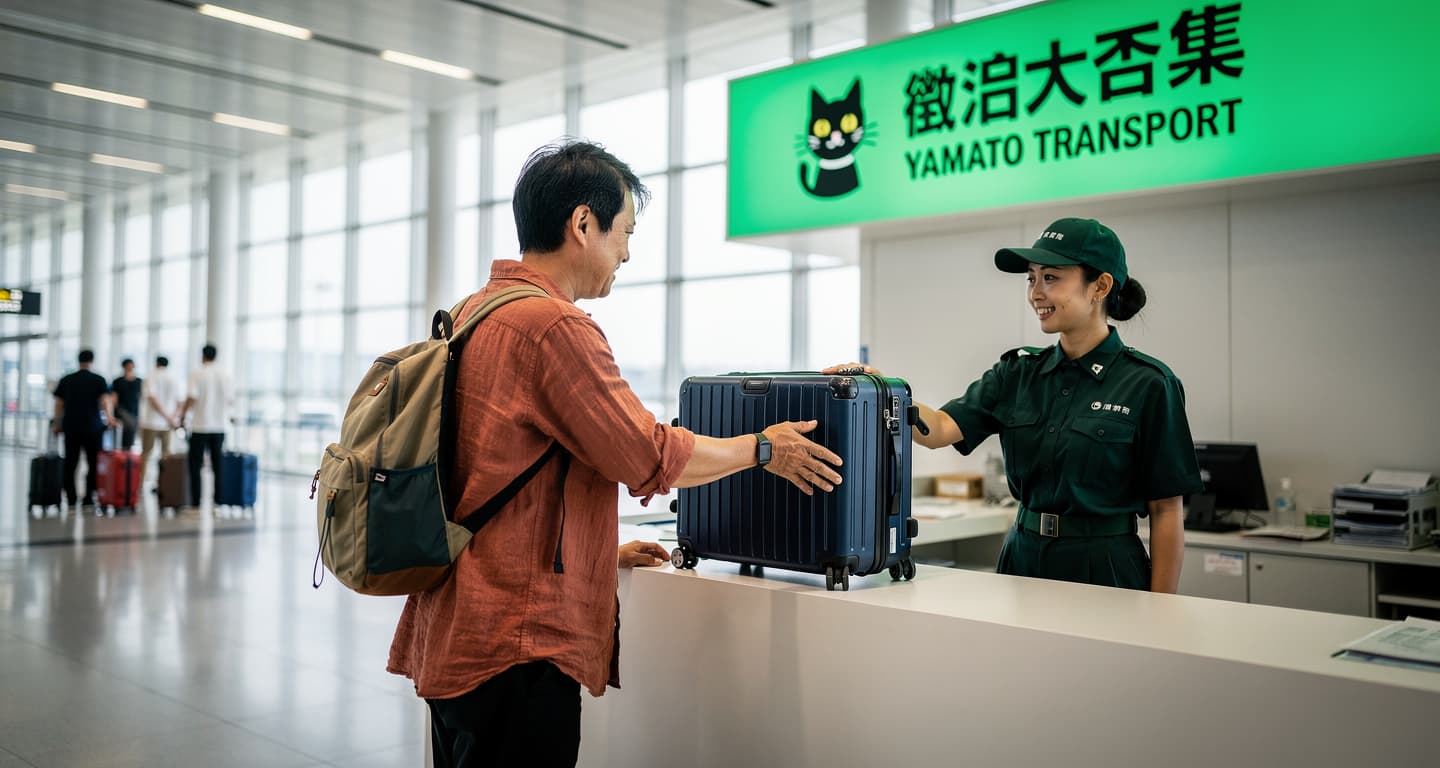
- Pack one night’s essentials in carry-on if using Japan’s luggage forwarding service — clearing customs with just a daypack compounds the QR system’s speed advantage when you’re not wrestling a full-size suitcase.
- Verify your arrival airport supports e-gates — regional airports like Sapporo, Nagoya, and Naha still require paper forms as of March 2026, so QR codes won’t work for those entry points.

Questions? Answers.
Does Visit Japan Web work for groups and families traveling together?
Yes, but each person needs their own registration and unique QR code. Create separate accounts for each family member using individual email addresses, or use one email and register multiple travelers under “Add a companion” within a single Planned Entry. Parents can screenshot children’s QR codes to their own device as a backup in case a child’s phone dies or gets misplaced during the flight.
What happens if my flight details change after I generate the QR codes?
Log back into Visit Japan Web and select “Edit Planned Entry” to update your flight number, arrival date, or accommodation address. The system regenerates new QR codes automatically — screenshot the updated versions and delete the old ones to avoid confusion at the airport. Changes made within 6 hours of scheduled arrival may not process in time, requiring manual paper forms at immigration instead.
Is Visit Japan Web registration mandatory or can I still use paper forms?
Registration is optional — paper forms remain available on the aircraft and at airport counters. But choosing paper routes you to manual immigration counters with 30-50 person queues during peak hours, while QR code holders use dedicated automated lanes that clear passengers in under 15 minutes. Customs officers also prioritize QR holders for expedited inspection.
How does the 2026 JESTA system differ from the current Visit Japan Web?
JESTA (Japan Electronic System for Travel Authorization) adds pre-travel electronic authorization similar to the US ESTA, requiring visa-free travelers to apply before booking flights. Once approved, JESTA auto-populates Visit Japan Web registration, eliminating duplicate data entry. The QR code workflow at airports remains identical — register online, screenshot codes, scan at arrival — but JESTA approval becomes a prerequisite for generating the codes.
Do all Japan airports support Visit Japan Web QR codes?
Only the four largest international gateways — Narita (NRT), Haneda (HND), Kansai (KIX), and Fukuoka (FUK) — have e-gates that read QR codes as of March 2026. Regional airports like Sapporo (CTS), Nagoya (NGO), and Naha (OKA) still require paper forms exclusively. If you’re connecting domestically after an international arrival, register for the international entry point where you first land, not your final destination city.
What if I don’t have a smartphone or my phone battery dies during the flight?
Print the QR codes at home before departure — airport kiosks scan printed paper just as reliably as phone screens. Alternatively, save the codes to a tablet or have a travel companion screenshot them to their device as a backup. Each traveler still needs their own unique QR code, but multiple codes can be stored on a single device and presented sequentially at immigration.
Can I use Visit Japan Web if I’m entering Japan on a work visa or student visa?
No — the e-gate system only works for visa-free short-term visitors (tourism, business meetings, visiting family) staying 90 days or less. Travelers requiring visas for work, study, or long-term residence must complete paper forms and proceed to staffed immigration counters regardless of whether they register on Visit Japan Web. The QR codes won’t grant access to automated lanes for visa holders.